Live internet radio for iPhone
The world, on one dial
Live radio from every country on your iPhone. Pick a country, pan the map, or search any station. No account, no ads. Press play.

01 · Features
Find a station anywhere. Keep it playing.
Everything you need to find a station and keep listening.
- CH 01
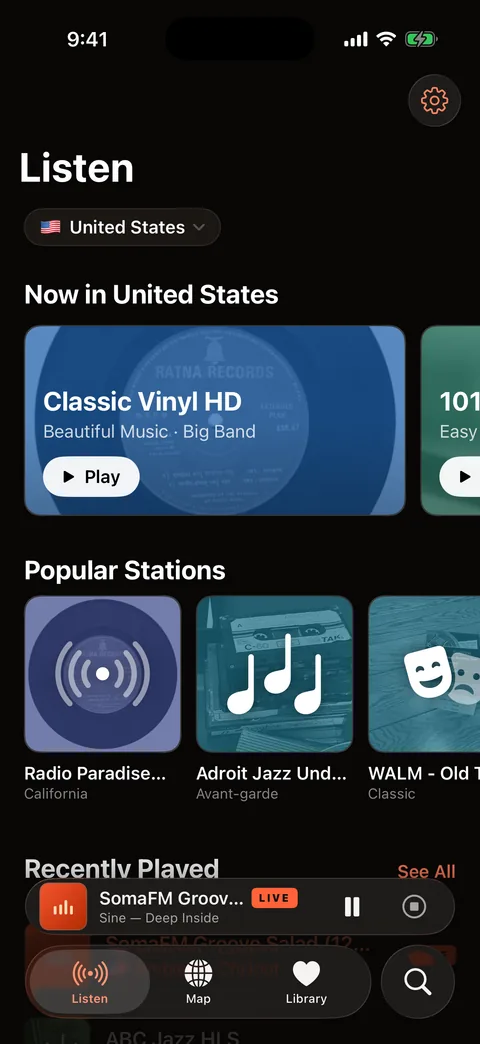
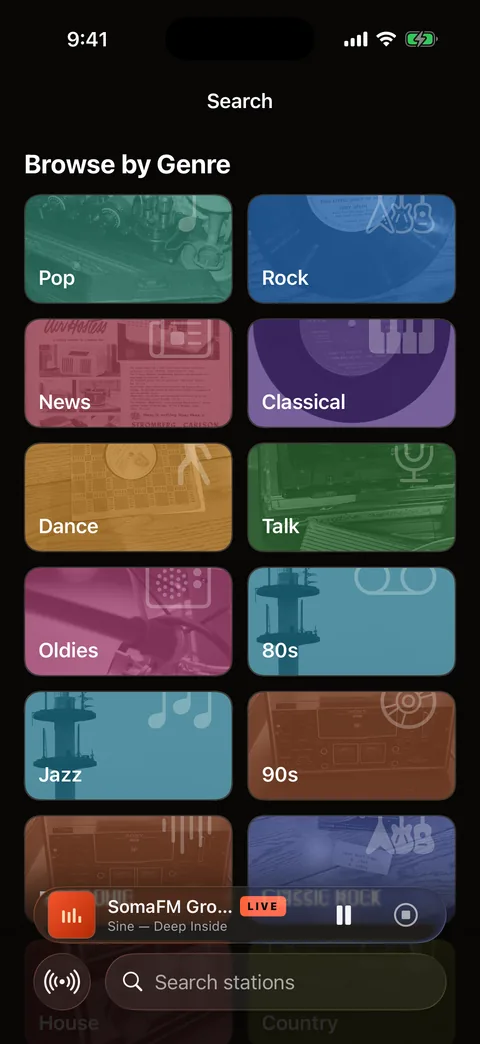
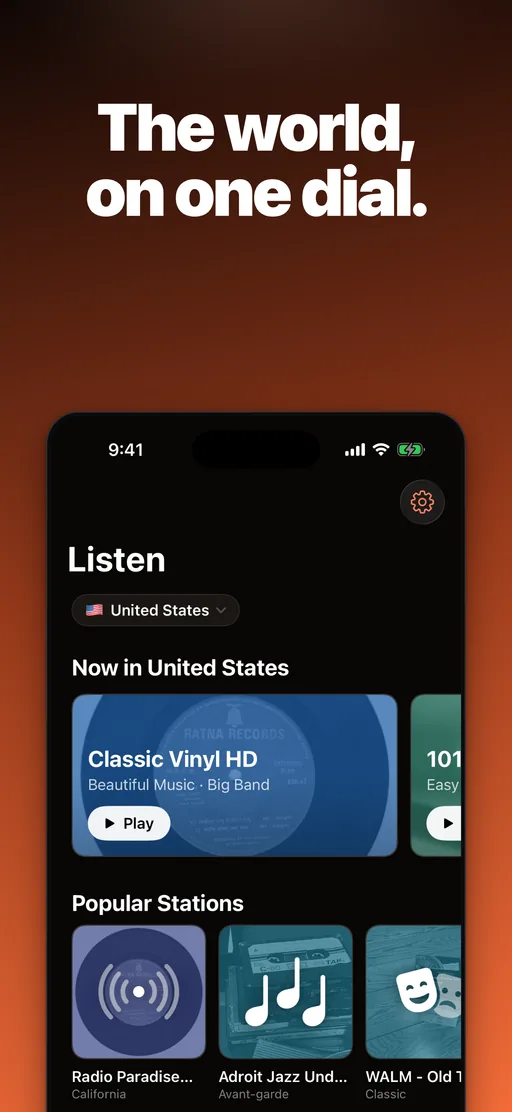
Every country, one dial
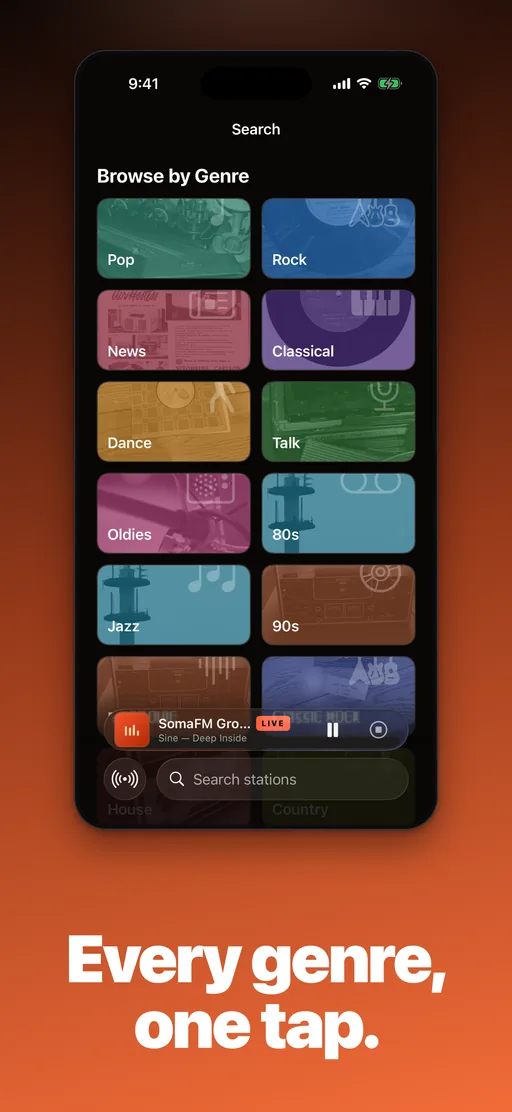
Pick a country and see what people there are listening to right now. Browse by genre, from jazz to news, or search any station by name.
- CH 02
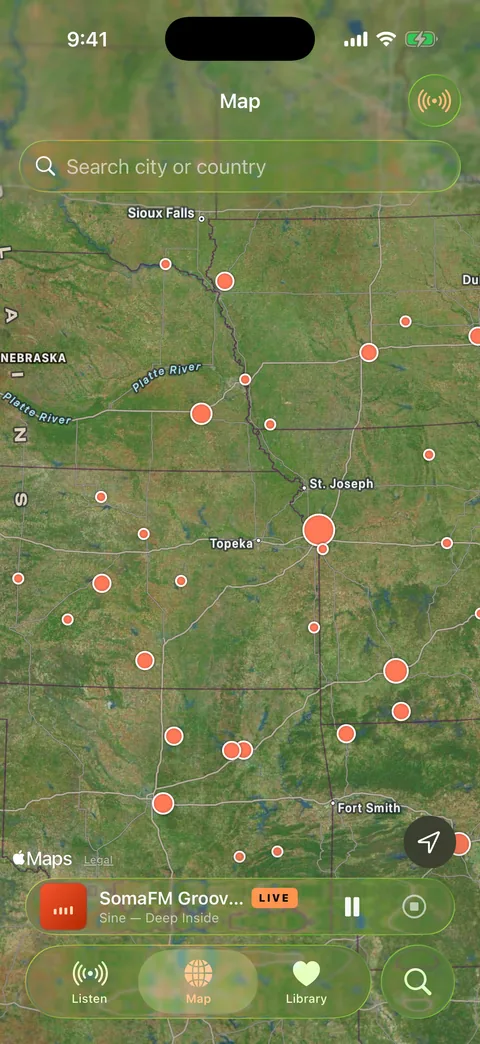
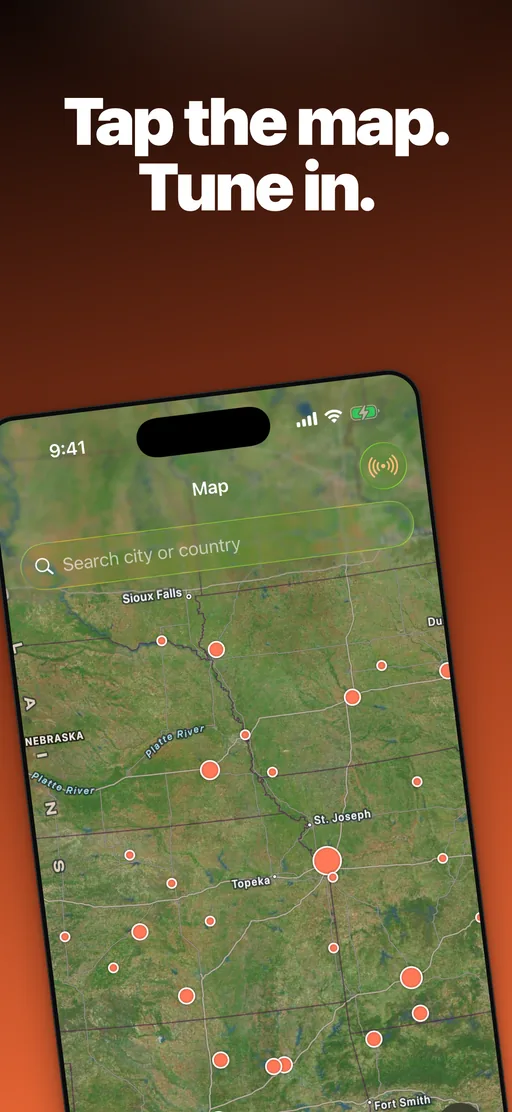
Find radio on the map
Pan the live world map and tap a city to hear what is on air there. The map comes with Worldwave Pro.
- CH 03
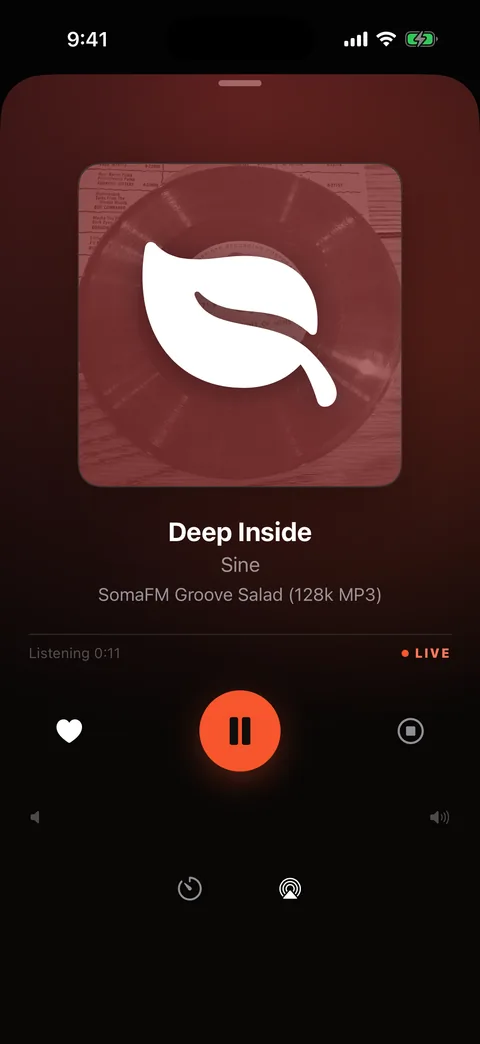
Built for listening
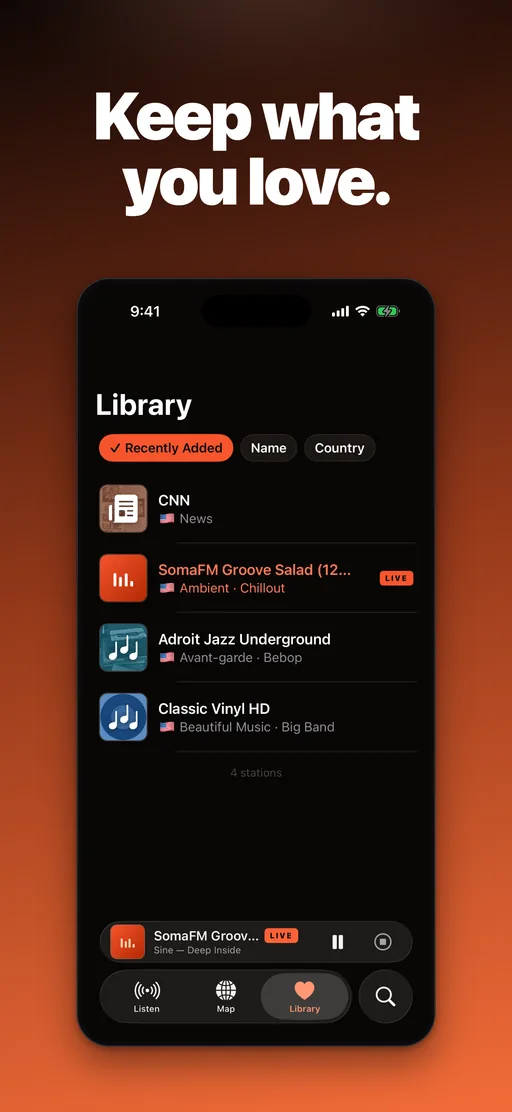
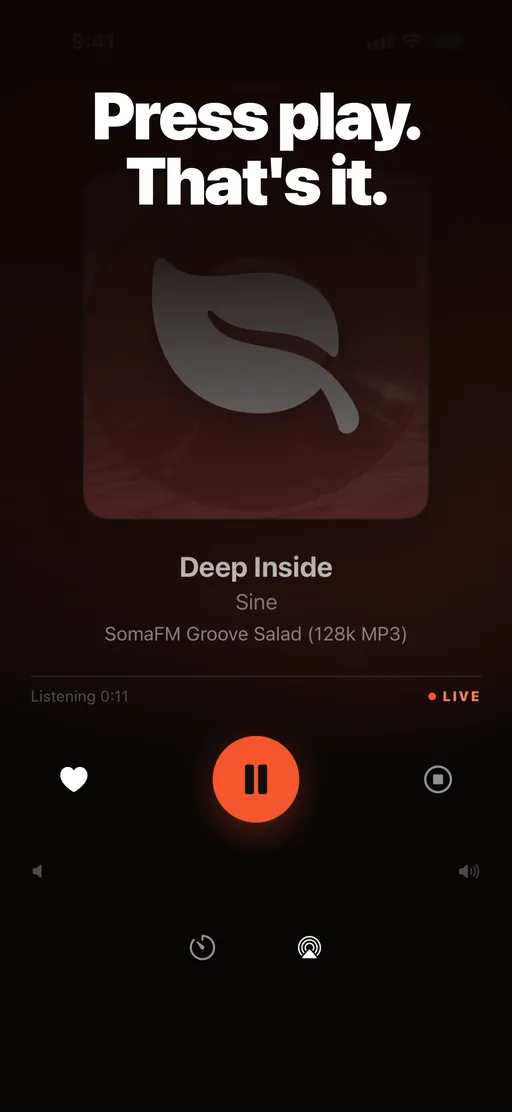
Live track titles, artwork on the lock screen, favorites one tap away, and playback that reconnects on its own after a call or a dropped signal.
02 · How it works
Three steps to live radio
Pick a country, find a station, press play. No account needed.
- Step 01
Pick your country
Choose where you listen. Listen opens on that country’s popular stations, and you can change it any time.
- Step 02
Find a station
Browse by genre, search by name, or pan the world map to discover what is on air somewhere else.
- Step 03
Press play
Hear the station live with the track that’s playing, save it to your Library, and find it again in Recently Played.
03 · Inside the app
A closer look at Worldwave
04 · FAQ
Frequently asked questions
Short answers about stations, data, and devices.
Is Worldwave free?
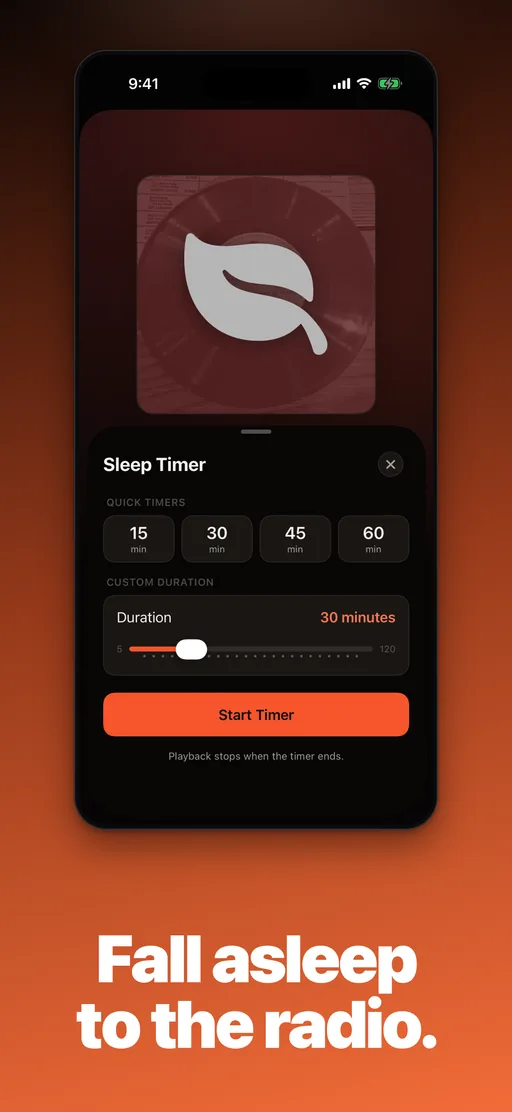
Yes. Listening, search, genres, favorites, and recently played are free, with no account and no ads. Worldwave Pro is an optional subscription that adds the world map and the sleep timer.
Does iPhone have an FM radio?
No. iPhone has no FM radio app, so radio on iPhone means internet radio. Worldwave plays each station’s live internet stream over Wi-Fi or mobile data, including stations from other countries.
Where do the stations come from?
From Radio Browser, a volunteer-run public catalog of internet radio stations. The streams are provided by the stations themselves; Worldwave finds them and plays them.
How much data does internet radio use?
It depends on the station’s stream. A 128 kbps stream, a common quality, uses about 58 MB an hour, and a 64 kbps stream about half that. Use Wi-Fi if you listen for hours a day.
Do I need an account?
No. Open the app, pick a country, and press play. Favorites and recently played stations are kept on your iPhone.
Which devices does Worldwave run on?
Worldwave is an iPhone app for iOS 26 or later, available in 12 languages. It keeps playing in the background, shows controls on the lock screen, and can play through AirPlay.
On air now
Start listening for free
Download Worldwave and hear what the world is playing right now.