How to Listen to FM Radio on iPhone: 3 Ways
You want the morning show, the game, or the station you grew up with, and your iPhone has no radio dial. Here’s how to listen to FM radio on iPhone anyway, using the live broadcasts stations already send online.
Written by Worldwave Team9 min readUpdated
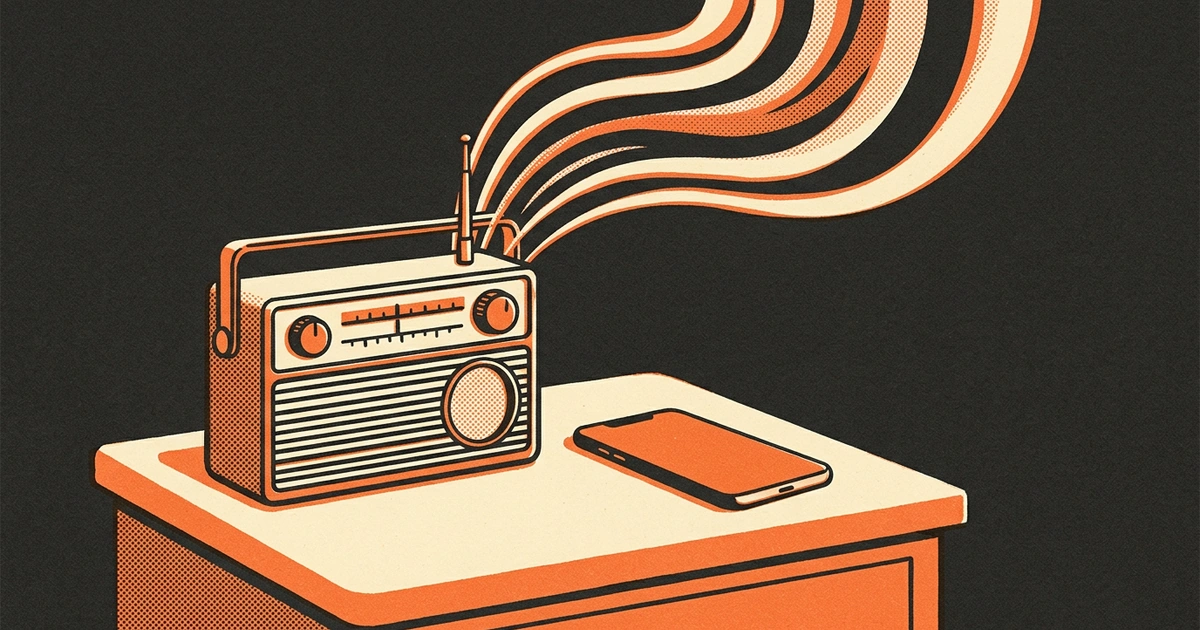
There’s no FM tuner to switch on, so the antenna route is closed. You don’t need one: nearly every FM station you’d tune into also streams its live broadcast over the internet, with the same hosts, ads, and songs, usually only seconds behind the air signal.
So the real questions are where to find your station, how much data it costs, and what to do when there’s no signal. Each one has a short answer.
To listen to FM radio on iPhone, play the station’s live online stream: search its name, call sign, or frequency in Apple’s Music app, open the station’s own app, or use a radio app. All three work over Wi-Fi or mobile data, and a typical 128 kbps stream uses about 58 MB an hour.
Does iPhone Have an FM Radio?
No. No iPhone has an FM radio app, and there’s no setting that turns on an FM tuner. In September 2017, Apple said iPhone 7 and iPhone 8 models have no FM radio chips and no antennas designed for FM signals, so FM reception can’t be enabled on them.
That statement answered the FCC. The same day, FCC Chairman Ajit Pai had asked Apple to activate FM chips for public safety, calling Apple the one major phone manufacturer that had resisted doing so. Nothing changed afterward, and current iPhones still have no FM radio.
Apps with FM in their name don’t change that. On iPhone, they stream stations over the internet too; the name describes the stations, not the hardware.
How FM Radio on iPhone Works Without an FM Chip
Almost every FM station also streams its broadcast online, and that stream is what you hear on an iPhone. It’s the same live program with the same hosts and songs, usually somewhere between a few seconds and a minute behind the air signal.
More people listen this way every year. Edison Research’s Infinite Dial 2026 found that 30% of weekly radio listeners in the US streamed for at least part of their radio time, up from an estimated 19% two years earlier.
Two things change compared with a car radio. You need a connection, Wi-Fi or mobile data, and the station decides who can listen: a few stream only to listeners in their own country. In return, you’re not limited to the stations within range of a transmitter, often 30 to 60 miles; you can hear stations from anywhere.
3 Ways to Listen to FM Radio on iPhone
There are three free ways to play an FM station on iPhone, and all three play the same live stream.
1. Use the Music app’s broadcast radio. Apple’s built-in Music app plays broadcast radio with no Apple Music subscription. Tap Search and type the station’s name, call sign, or frequency, or open the Radio tab and look under Local Broadcasters. You can also ask Siri to play a station by name. Broadcast radio isn’t available in every country or region, and some stations aren’t available everywhere.
2. Open the station’s own app or website. Most larger stations run their own app, and many have a Listen Live button on their website that plays right in Safari. It’s the most direct way to hear one station with its schedule and shows, but you’ll need a separate app or bookmark for each station you follow.
3. Use a radio app that lists many stations. A radio app gathers thousands of stations in one place, so you can switch between your local station, a station from back home, and a jazz station without changing apps. Look for search by name and country, favorites, and playback that keeps going when the screen locks.
If you follow one station, its own app is enough. If you listen to several, a radio app or the Music app saves you the switching.
How to Find a Local FM Station by Frequency or Call Sign
Search by the station’s call sign or name first, and add the frequency only where an app supports it. A frequency like 93.9 is used by stations in dozens of cities, so on its own it rarely finds the one you mean.
Look up the call sign.
In the US, call signs mostly start with W east of the Mississippi River and K west of it, such as WNYC or KQED. You’ll find it on the station’s website, and stations say it on air at the top of every hour.
Add the city if you get several matches.
Searching “WNYC New York” or “93.9 New York” narrows a list of similar names down to the station you know.
Save it once you find it.
Add the station to your favorites so it’s one tap away next time, instead of searching again.
Outside the US, the station’s name does the work instead of a call sign: search “BBC Radio 2” or “Radio Nova” the way the hosts say it.
How Much Data Does FM Radio on iPhone Use?
A 128 kbps stream, a common quality, uses about 58 MB an hour. A 64 kbps stream uses about 29 MB an hour, and a 320 kbps stream about 144 MB.
That adds up over a working day: eight hours at 128 kbps is about 460 MB, and a month of weekday listening comes close to 10 GB.
If you listen for hours every day, use Wi-Fi at home and at work, and save mobile data for the commute. Settings, then Cellular, shows how much data each app has used in the current period, so you can check after a week.
Can You Listen to FM Radio on iPhone Without Internet?
No. Without Wi-Fi or mobile data, an iPhone has nothing to tune, because there’s no FM receiver inside to fall back on. Live radio plays only while you’re connected.
That matters most in an emergency, which was the FCC’s point in 2017: when wireless networks go down during a natural disaster, a working FM receiver can still bring in life-saving information.
So keep a battery-powered FM radio and 2 spare sets of batteries at home. It works when the cell network doesn’t, and it leaves your iPhone’s battery for calls and messages. In the car, the built-in radio still tunes FM the old way and uses no data.
What If a Station Won’t Play on Your iPhone?
Most of the time the station’s stream is down or blocked, not your iPhone. Stations run their own streaming servers, and a server can go offline for minutes or hours, move to a new address, or stream only to listeners in its own country.
- Switch between Wi-Fi and mobile data to rule out your connection.
- Try a second station; if it plays, the first stream is the problem.
- Wait 10 to 15 minutes and try again; servers often come back.
- Check the station’s website for a new Listen Live link.
- Abroad? Some streams play only inside the station’s own country.
If the sound cuts out for a moment on a train or during a call, that’s your connection, and a good radio app reconnects on its own.
How Worldwave Helps You Listen to FM Radio on iPhone
Worldwave plays the live streams of tens of thousands of stations, so the FM station you’d tune into at home is usually a search away. Listen opens on your country’s Popular Stations, Search finds a station by name worldwide or in your country, and Browse by Genre gets you from News to Jazz in two taps. Change Country, and you’re hearing what people listen to on the other side of the world.
Lock your phone and the station keeps playing, with controls on the lock screen and in Control Center, and AirPlay for a speaker. If your signal drops or a call comes in, Worldwave shows Reconnecting… and picks the station up again. Tap the heart to keep a station in your Library, and Recently Played finds the one you heard yesterday.
It isn’t an FM tuner: it needs Wi-Fi or mobile data, and it can’t play a station that doesn’t stream online. Worldwave is free to use, with no account and no ads, on iPhone with iOS 26 or later; the Map and the Sleep Timer come with Worldwave Pro.
Frequently Asked Questions
Is there a free FM radio app for iPhone?
Yes. Apple’s own Music app plays broadcast radio for free, with no Apple Music subscription, and many radio apps are free too. They all stream stations over Wi-Fi or mobile data rather than tuning FM, since iPhone has no FM receiver. Some free apps show ads; Worldwave has none and charges only for extra features.
Can I use headphones as an FM antenna on iPhone?
No. On phones with a working FM receiver, wired headphones double as the antenna, which is why FM apps on those phones ask you to plug them in. iPhone has no FM receiver to connect them to, so headphones change nothing; radio on iPhone plays over Wi-Fi or mobile data.
How do I listen to the radio in my car from my iPhone?
If your car radio has FM, tune it directly, which uses no data. To play an internet station from your iPhone instead, connect over Bluetooth, a USB cable, or an AUX cable and press play in your radio app. The stream uses mobile data, about 58 MB an hour at 128 kbps.
Why doesn’t iPhone have an FM radio?
Apple hasn’t explained it in detail. When the FCC asked it to turn on FM chips in 2017, Apple replied that iPhone 7 and iPhone 8 models have no FM radio chips or antennas designed for FM signals, so FM reception can’t be enabled. Radio on iPhone has relied on internet streams ever since.
What if the FM station I want isn’t online?
Some small community and low-power stations don’t stream at all, and no app can play a station that only broadcasts over the air. Check the station’s website or social pages for a Listen Live link. If there isn’t one, the only way to hear it is a regular FM radio within range of its transmitter.
Sources and further reading
These links are for further reading.
- Listen to radio stations in Music on iPhone (Apple Support)
- Chairman Pai Urges Apple to Activate FM Chips to Promote Public Safety (Federal Communications Commission, September 2017)
- Apple would like to remind the FCC that it can’t activate imaginary FM radios that iPhones don’t have (TechCrunch, September 2017)
- Growth of Streamed AM/FM Radio Sources (The Infinite Dial 2026) (Edison Research at SSRS)
The world, on one dial
Download Worldwave, pick a country, and hear what people there are listening to right now.